// Product 02
[AxeBlock EDIT]
Real-time MIDI editor for the Fractal Axe-Fx III and VP4 — plus the Axe-Fx II family, FM9 and FM3, with AM4 editing built but not yet confirmed on hardware. Control presets, scenes, every block, and your routing grid from your iPad or iPhone.
$9.99 · no subscription, no in-app purchases
iPad + iPhone
Android · coming soon
// Safe by design
Your presets are safe.
AxeBlock EDIT works in the edit buffer — the same temporary space the unit uses when you turn knobs on the front panel. Nothing writes to a stored preset until you hit Save.
// iPad
// iPhone
// Presets & scenes
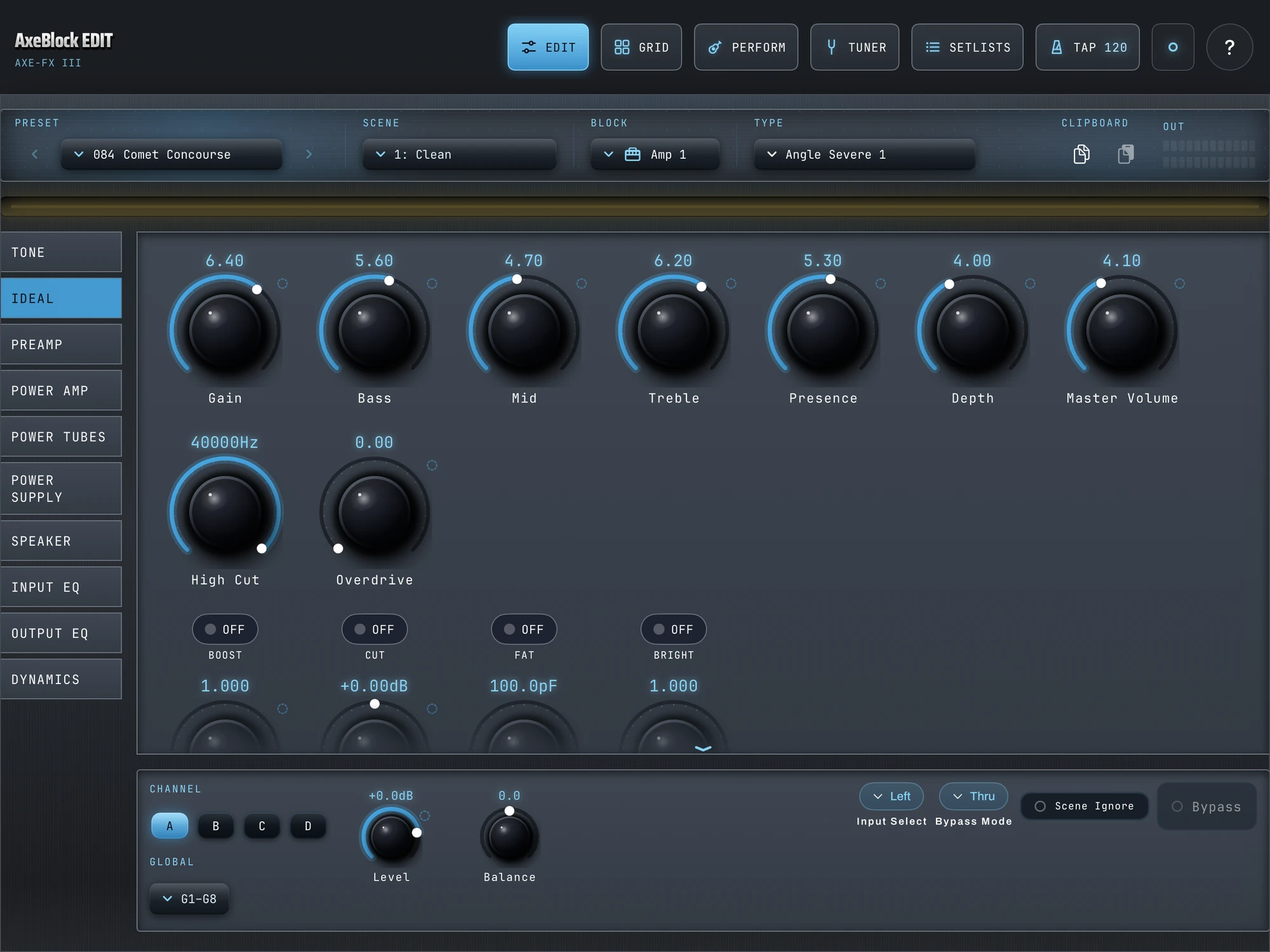
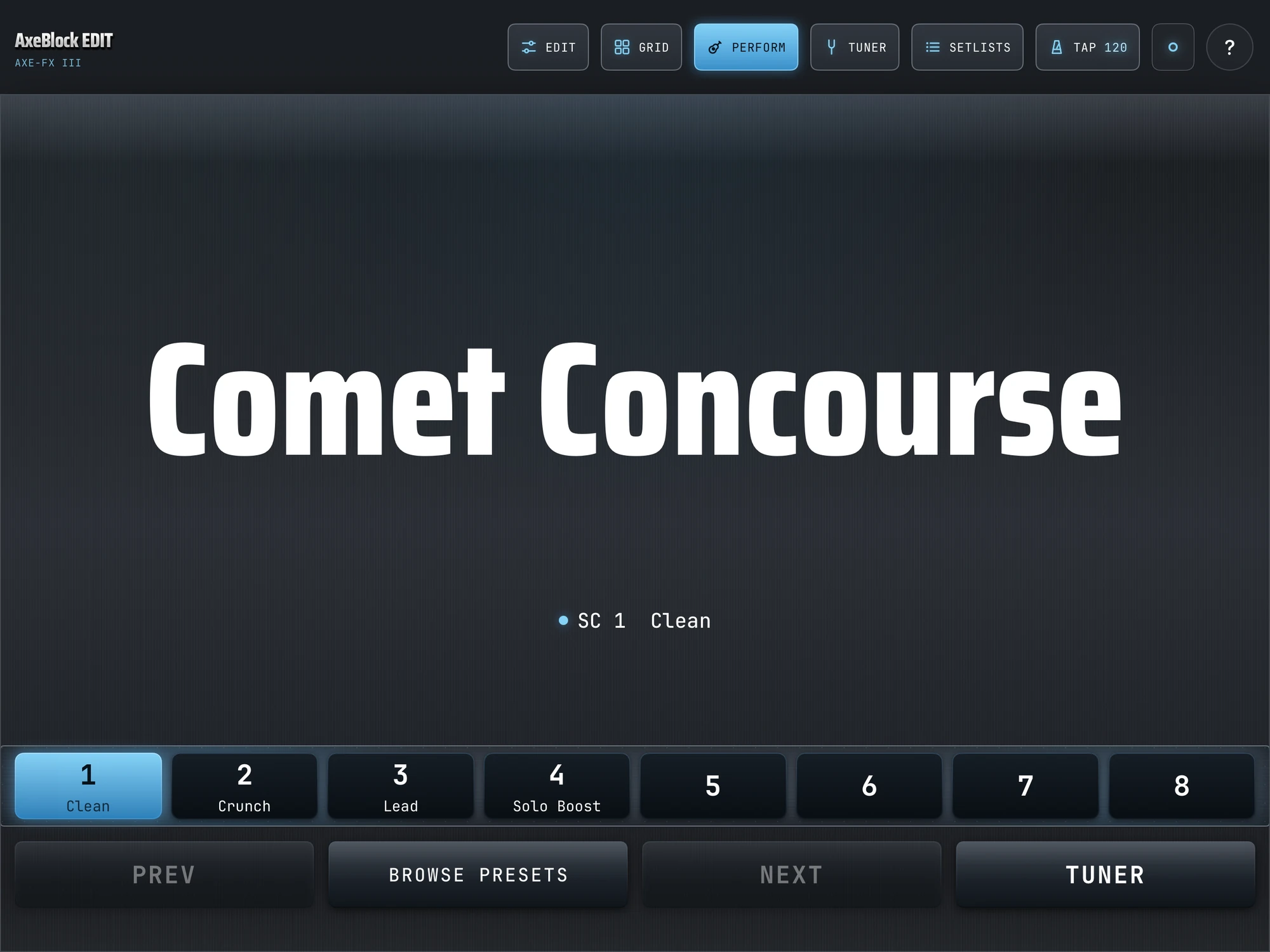
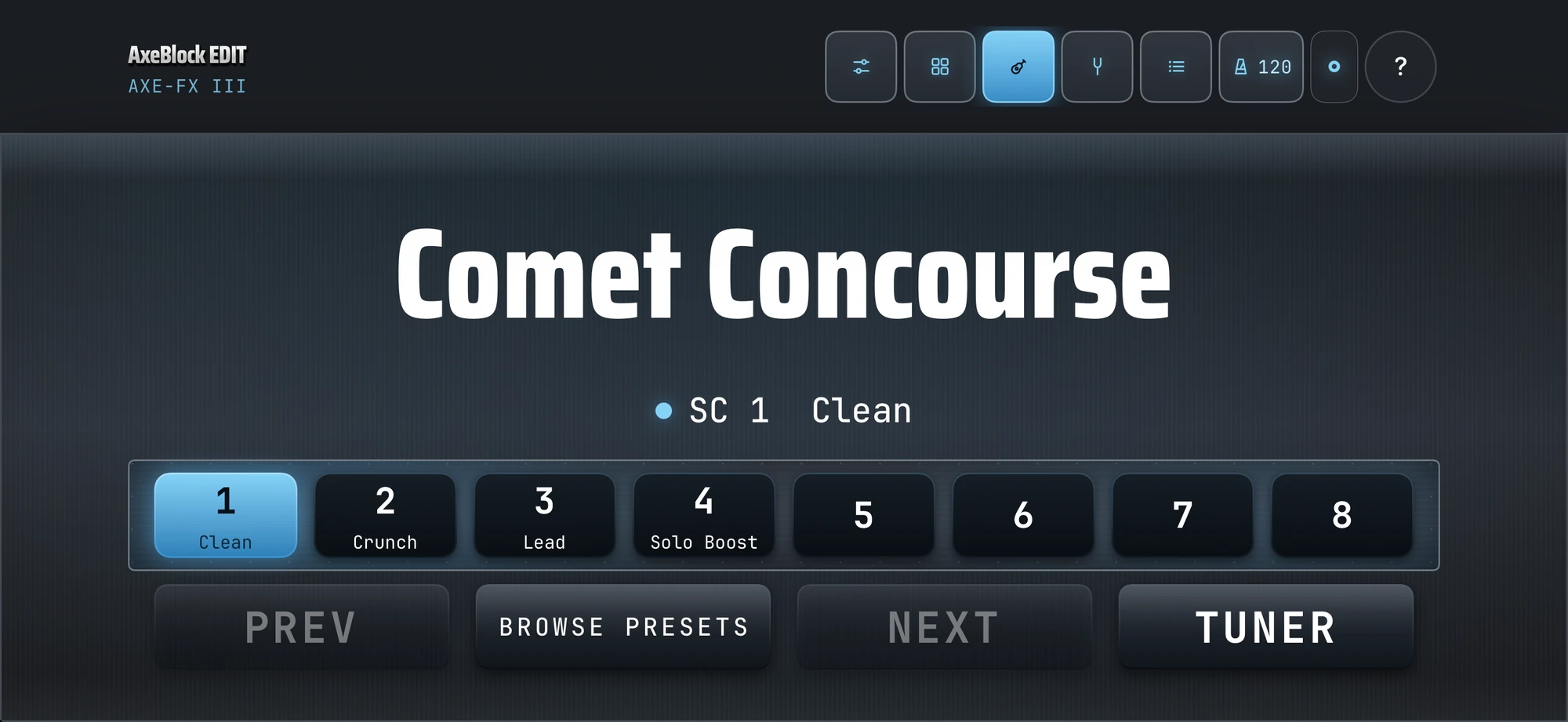
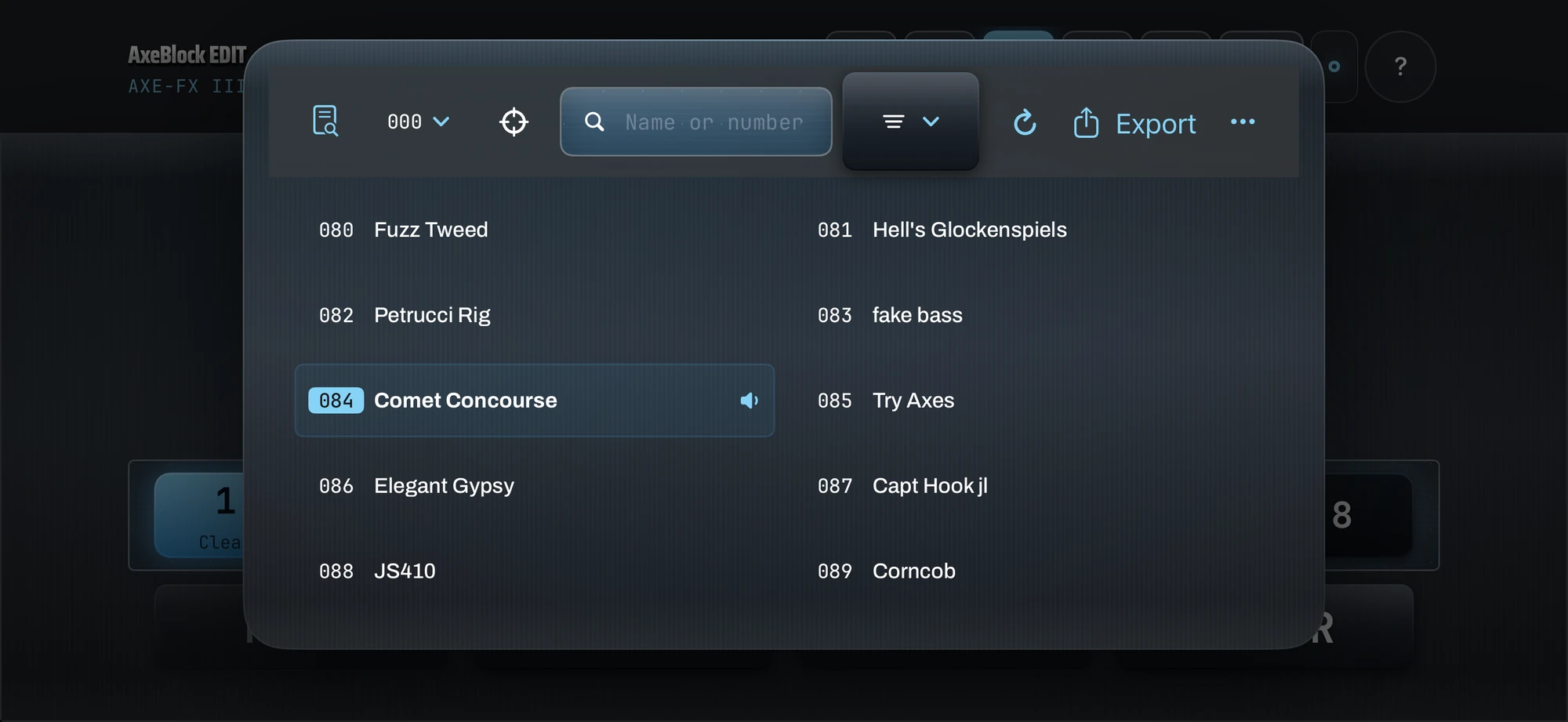
Step through presets and scenes from your iPad or iPhone. The unit follows instantly over MIDI — no menu diving on the front panel.
// Amp edit
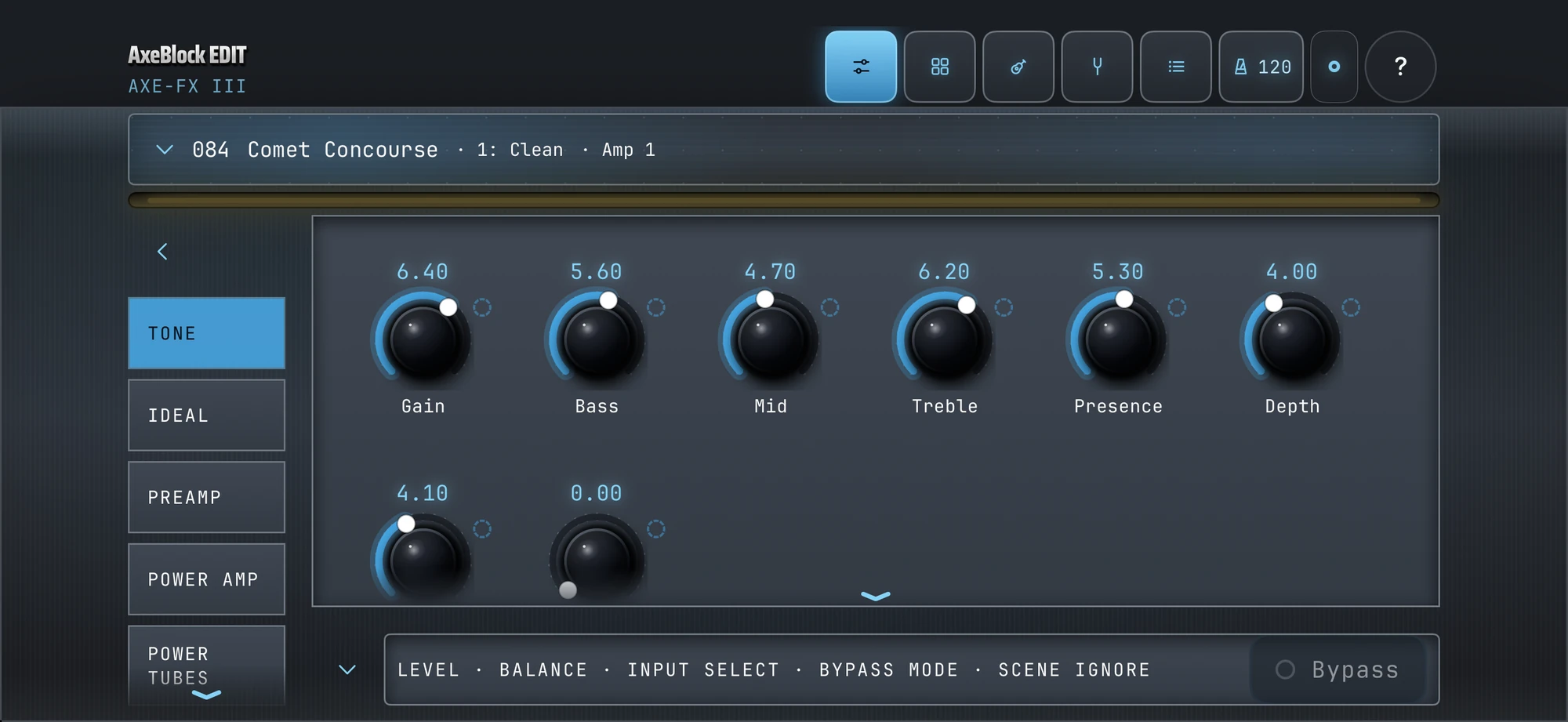
Move knobs, flip Boost / Cut / Fat / Bright. The app and the unit stay in sync in real time.
// Routing grid
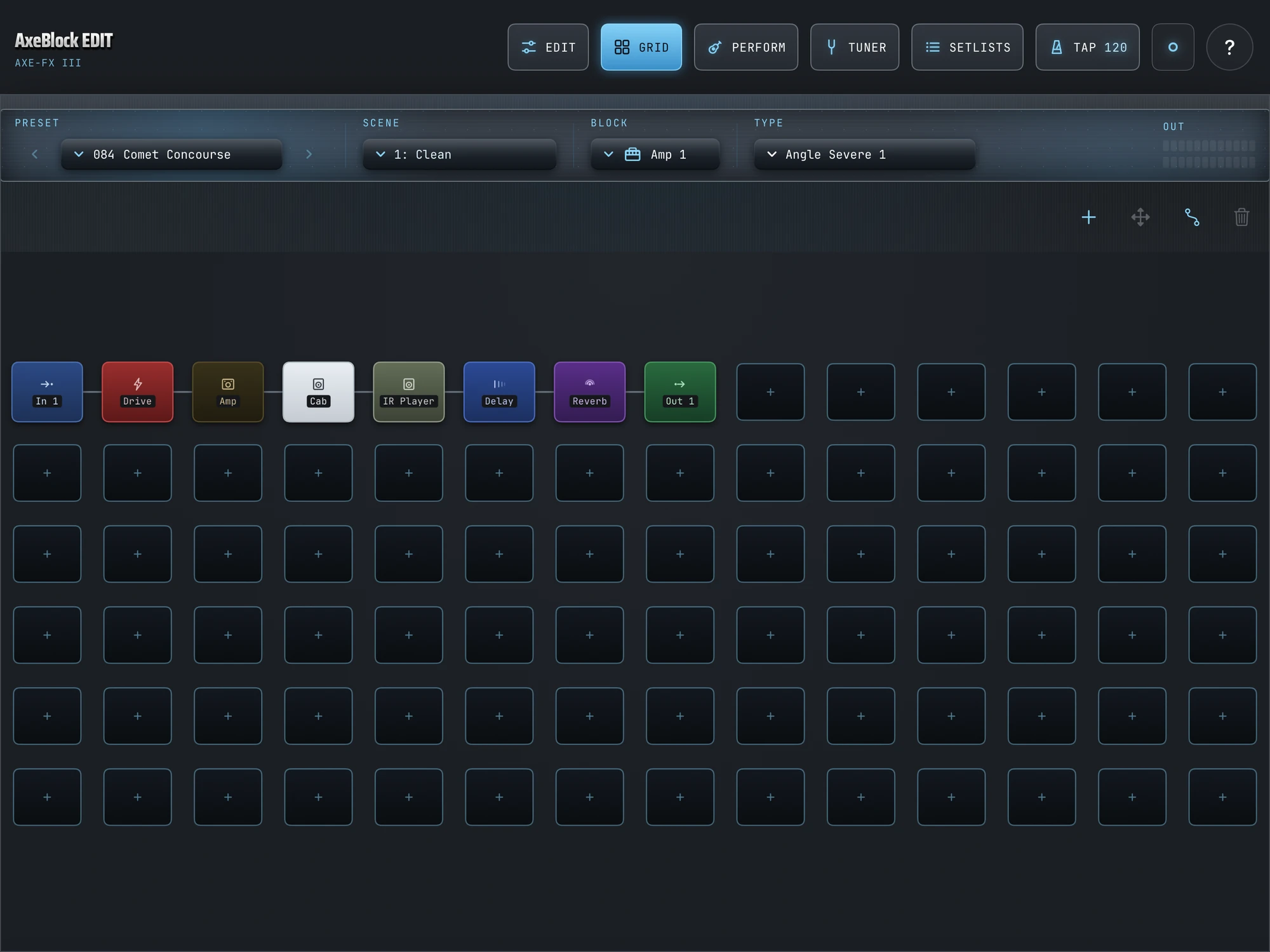
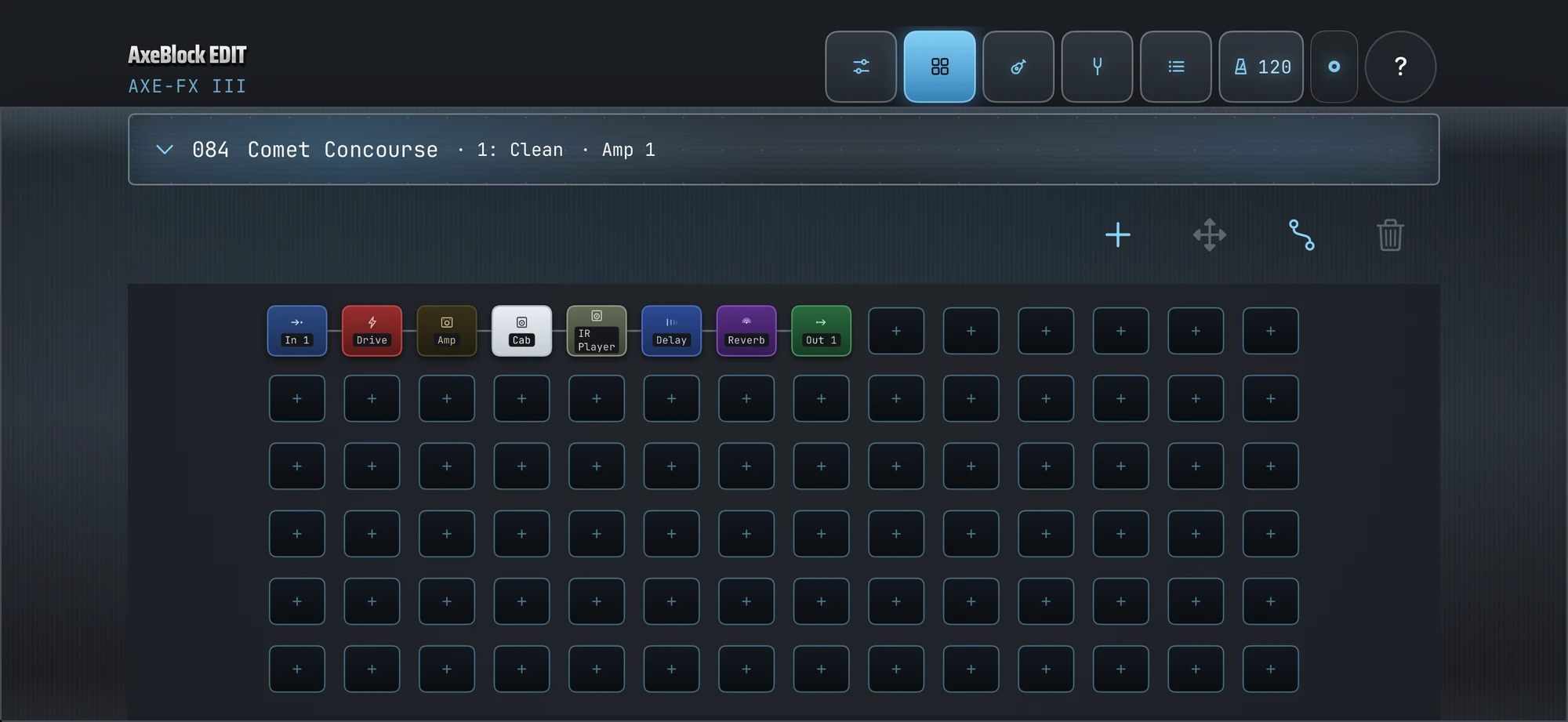
See and edit the full routing grid — place blocks, draw connections, cut cables — the same way the hardware shows it.
// Setlists
A read-only performance view of your Sets and Songs. Tap a section and jump straight to its preset and scene — it never touches the edit buffer, so there's nothing to lose.
// Cab & IR browser
Browse every cab and IR slot on the unit by name — factory, user, legacy — and load them without touching the front panel.
// Looper
The Axe-Fx II's looper transport on your iPad or iPhone: record, play, stop, undo, dub, once, reverse, half-speed. On the Axe-Fx III the looper block's controls live in EDIT like any other block.
// Tuner & tap
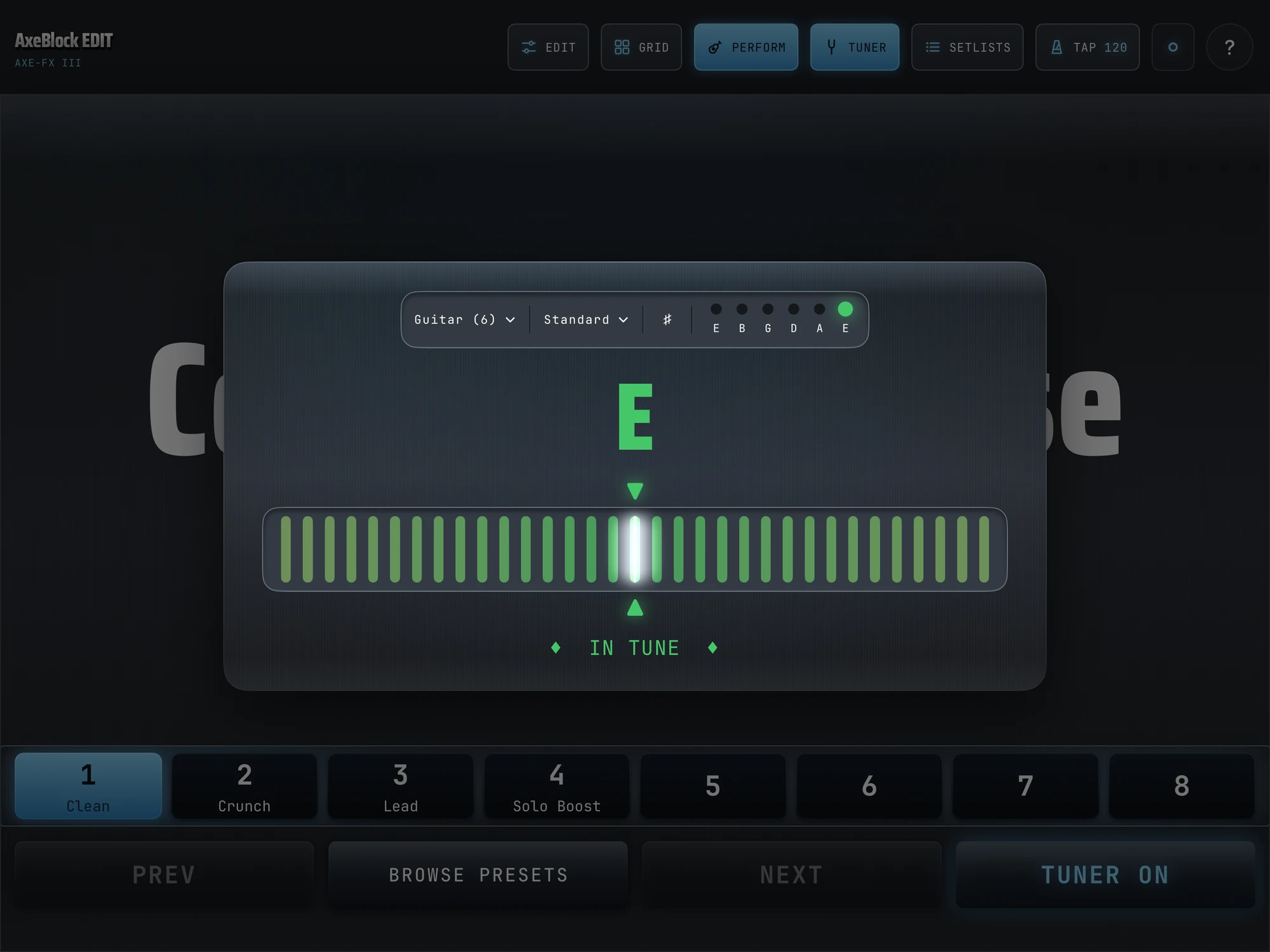
Engage the tuner with one tap. Tap tempo lands on the beat — no latency surprises.
// Modifiers
Attach a modifier source — LFO, ADSR, envelope follower, sequencer, pedal — to any knob, set its range, and watch the unit follow in real time.
// Wireless
Pair a WIDI Bluetooth-MIDI adapter to your Axe-Fx II and you're wireless. On iPhone and iPad, Bluetooth (WIDI) or 5-pin MIDI is how the II family connects — its USB isn't iPhone- or iPad-compatible. Tested on real hardware. Heads-up: presets load slower over Bluetooth than USB.
// Apple Watch
A companion on your wrist: current preset, scene, tempo and connection at a glance, previous / next preset, and a haptic tuner that buzzes when you're in tune. It all relays through the app on your paired iPhone — the Watch never talks to the unit itself. Not yet tested on a real Watch.
// Accessibility
Built with VoiceOver from day one. Support covers parameter editing — knobs, faders, switches, and selectors — plus the tuner's pitch detection and string/tuning selection, with Dynamic Type up to .accessibility2. Grid routing and the preset browser have more limited support today; that work is ongoing. An automated accessibility audit runs on every build.
// Why AxeBlock EDIT
Built native. Built for the stage.
- I wrote AxeBlock EDIT in Swift, Apple's own language, so it's a real iPhone, iPad and Mac app, not a web page in a wrapper. Knobs track your finger in real time.
- Fractal's own editors live on a desktop. Mine goes where you play: iPhone, iPad, Mac, and a companion on your Apple Watch (not yet tested on a real Watch).
- Every edit lands in your unit's edit buffer, and nothing is saved until you tap Save. It's built to be safe on a live rig.
- It talks to your unit directly over USB, Bluetooth (WIDI) or 5-pin MIDI, depending on the unit. No account, no cloud, no tracking.
// Compatibility
Axe-Fx III
USB class-compliant — plug straight into your iPad or iPhone (USB-C or camera adapter). No driver.
Axe-Fx II · XL · XL+
Bluetooth MIDI (WIDI adapter) or a 5-pin DIN MIDI interface — the II's USB isn't iOS-compatible. Presets load slower over Bluetooth.
VP4
USB. Full editing — every control VP4-Edit shows, chain slots, scenes, channels, modifiers, controllers and Save. Verified on a real VP4 (firmware 4.04).
FM9 — confirmed by a beta tester
USB or Bluetooth (WIDI). Presets, scenes and edits confirmed on a real FM9 (firmware 12.00). Grid is view-only; Save isn't available yet.
FM3 — confirmed by a beta tester
Bluetooth (WIDI Master) or 5-pin DIN MIDI only — the FM3 has no USB-MIDI. Amp and Delay edits confirmed on a real FM3 over Bluetooth. Grid is view-only; Save isn't available yet.
AM4 — not yet confirmed
USB. Editing is built from AM4-Edit's own data but not yet confirmed on hardware.
// What AxeBlock EDIT controls
Deep editing — every block and parameter, the block grid — is live on the Axe-Fx III, VP4, and the Axe-Fx II family, and confirmed by beta testers on the FM9 and FM3 (grids view-only). AM4 editing is built, but not yet confirmed on hardware. Load presets, and run the show live — scenes, channels, block bypass, tap tempo, tuner, looper — from your iPhone or iPad on your music stand.
| Your Fractal unit | Load presets | Live performance | Deep editing |
|---|---|---|---|
| Axe-Fx III | ✅ | ✅ | ✅ Live |
| VP4 | ✅ | ✅ | ✅ Live |
| Axe-Fx II / II XL | ✅ | ✅ | ✅ Live |
| FM9 | ✅ | ✅ | ✅ Live · grid view-only, no Save yet |
| FM3 | ✅ | ✅ | ✅ Live · grid view-only, no Save yet |
| AM4 | Not yet confirmed | Not yet confirmed | Amp & Cab · not yet confirmed on an AM4 |
Not yet confirmed means the editing is built but hasn’t been checked on that unit — I haven’t had an AM4 write checked on real hardware yet. The FM9 and FM3 checkmarks come from beta testers on their own units; their grids are view-only and Save isn’t available there yet. Axe-Fx Standard and Axe-Fx Ultra connect and identify; editing stays locked. AX8 and FX8 identify and read; editing is locked. A unit earns a checkmark only once it’s verified on real hardware — see the unit status page.
// COMING SOON
Beta testers wanted.
Your platform is next in line.
AxeBlock EDIT for Android, and LegacyBlock EDIT for Mac and Windows. Pick yours and I'll email you once, when it's real. No newsletter, no drip.