// Product 07 · First look
[The Only Way]
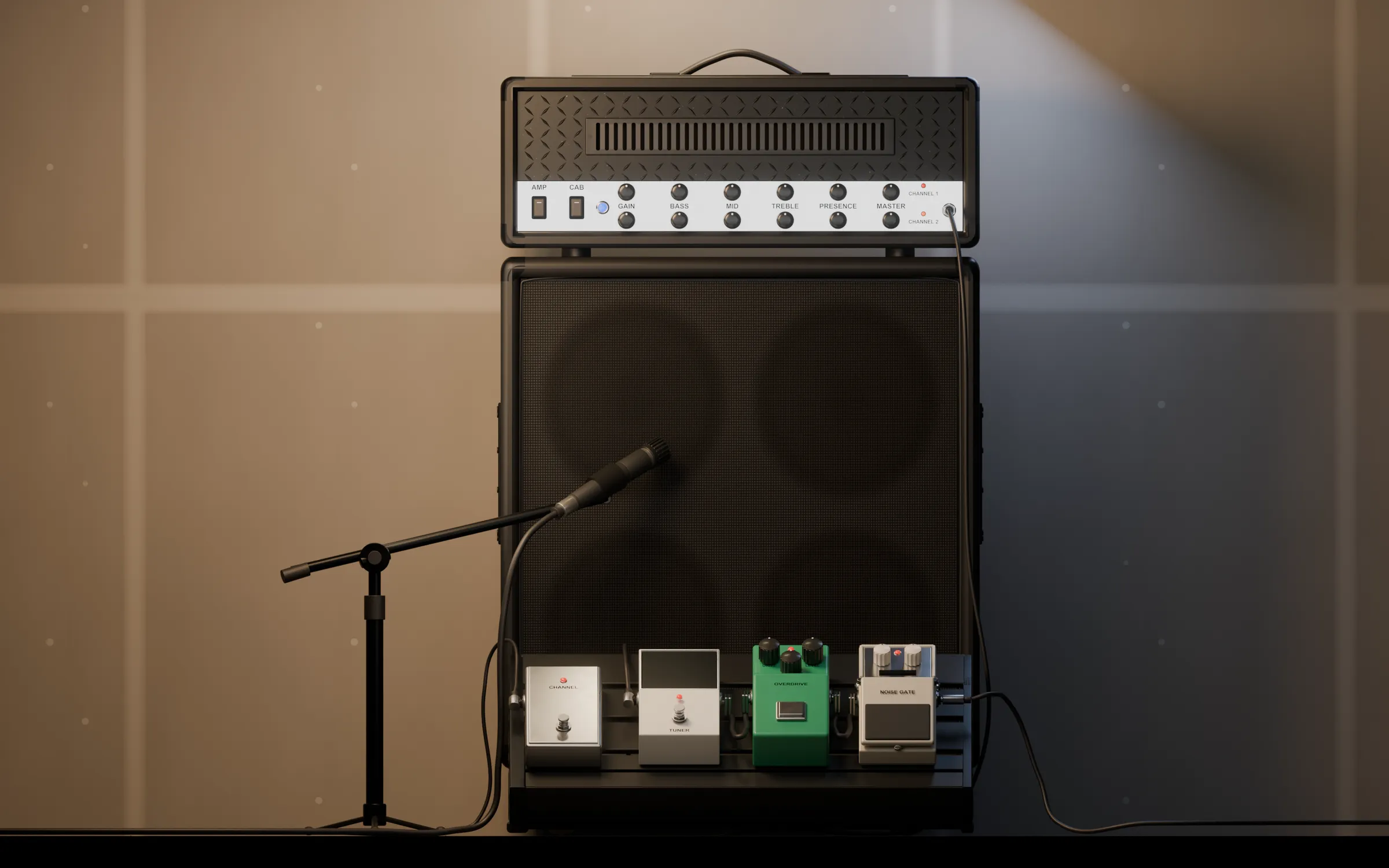
My rig, captured off the real amp. Two channels, a 4x12, four pedals, and nothing between you and the tone but a cable.
Mac & Windows · Standalone · AU · VST3 · Coming soon
- 2
- Channels
- 16
- Captures of one real head
- 10
- Cab impulse responses
- 6
- Strings tuned at once
- −1
- dBFS limiter. It never clips
// Walk up to it
A rig you stand in front of, not a plug-in you scroll.
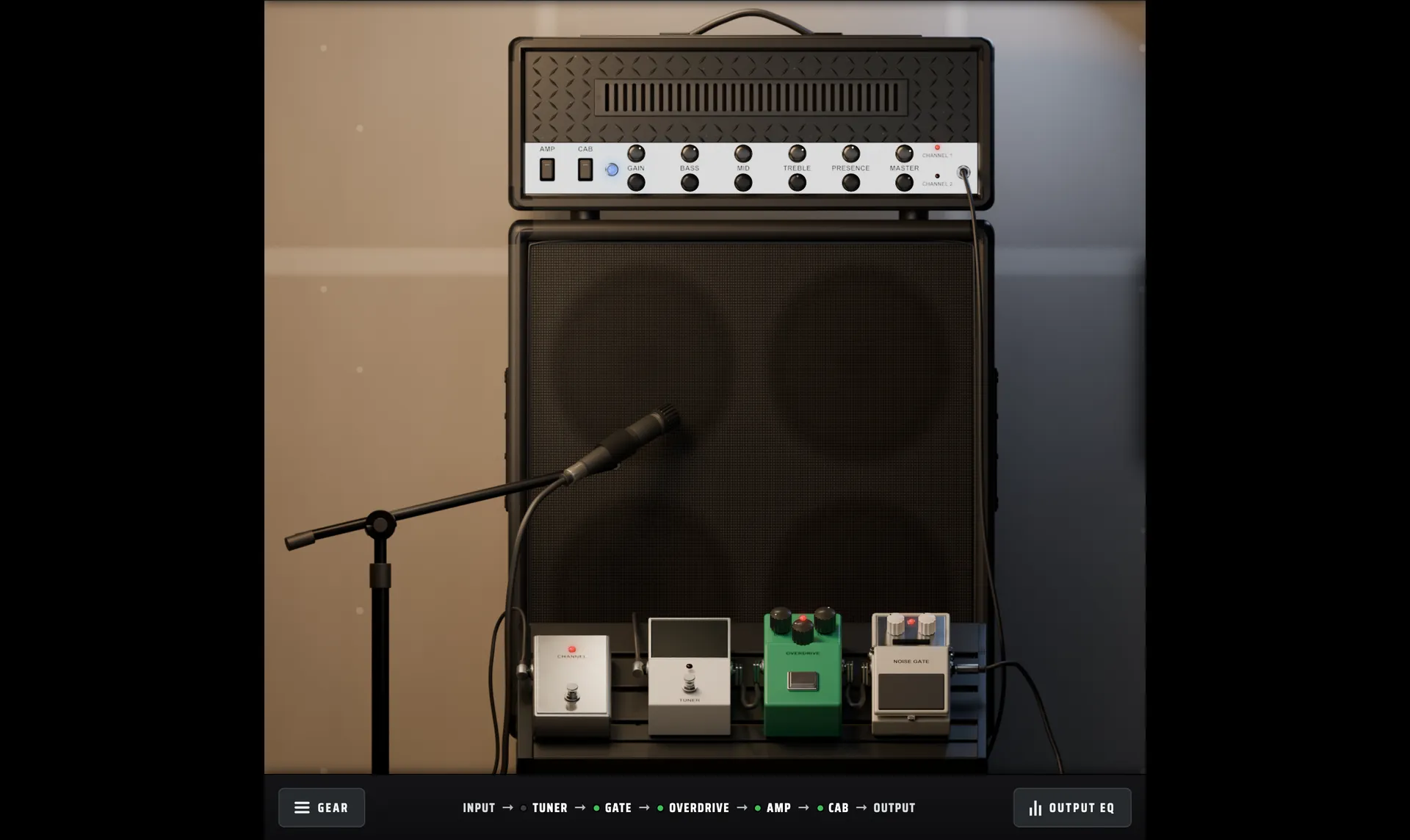
The interface is the rig, rendered, with working controls on it. Click the amp or the pedalboard to walk up to it. Click empty space or press Esc to step back.
// 01 · The amp
Captured, not modelled.
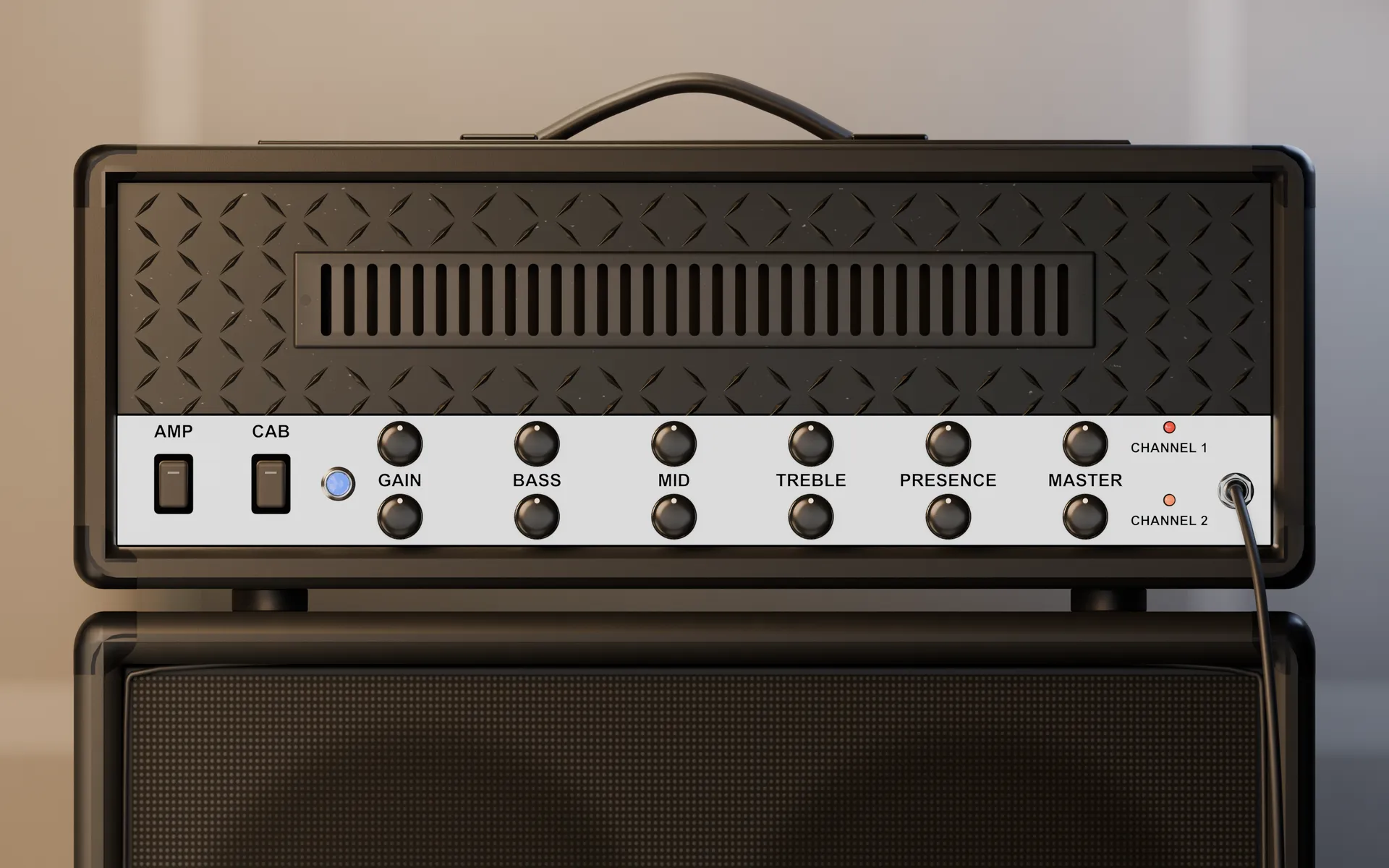
Two channels, each a set of captures taken off one real head. Pick a capture per channel, then set gain, bass, mid, treble, presence and master the way you would on the amp.
// 02 · The pedalboard
Four pedals. All working.
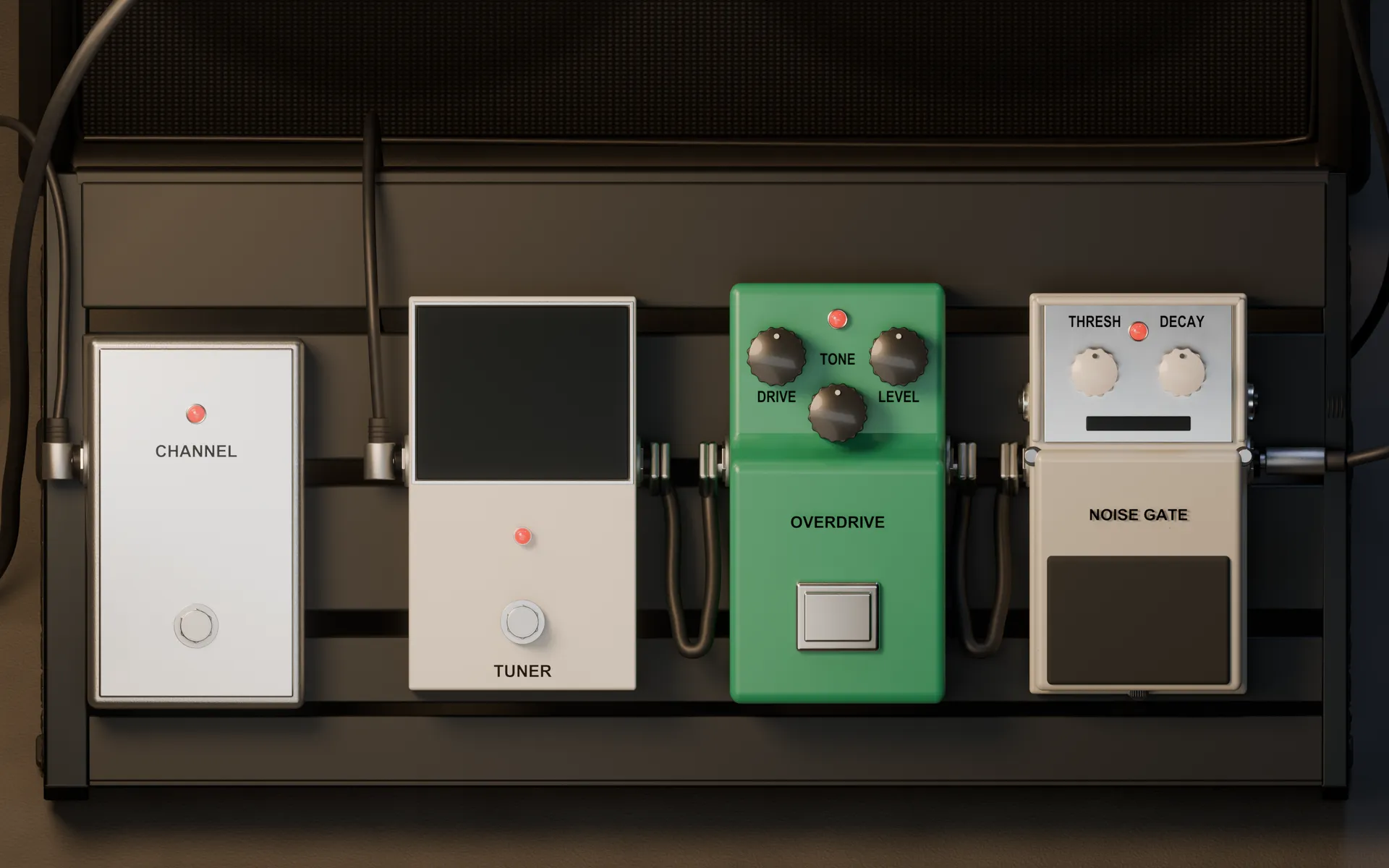
A channel switch, the tuner, an overdrive that sits in front of the amp to push it, and a noise suppressor that keeps the high-gain channel quiet between chords.
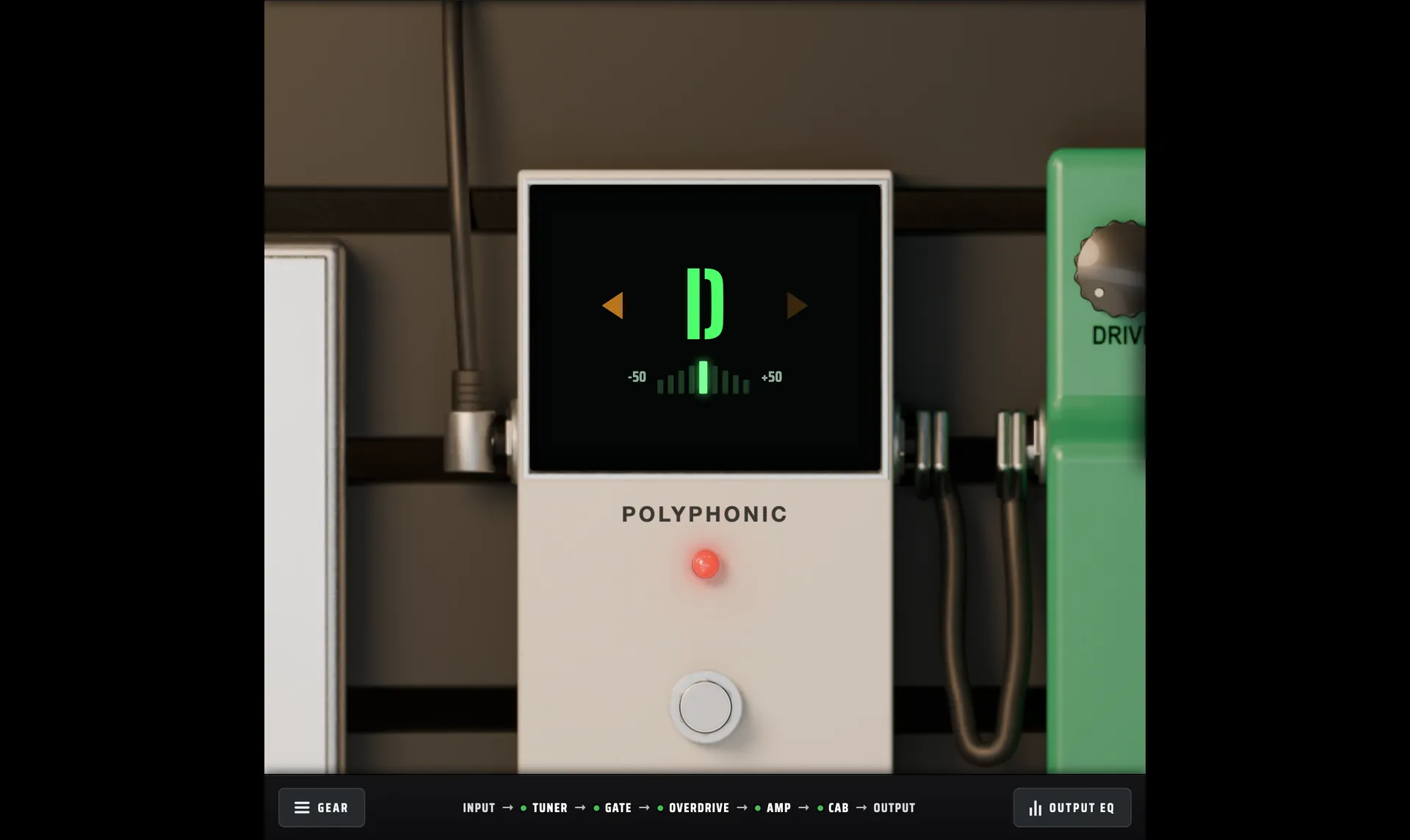
// 03 · The tuner
Strum all six.
Polyphonic. Hit every string and it shows you every string, at once.
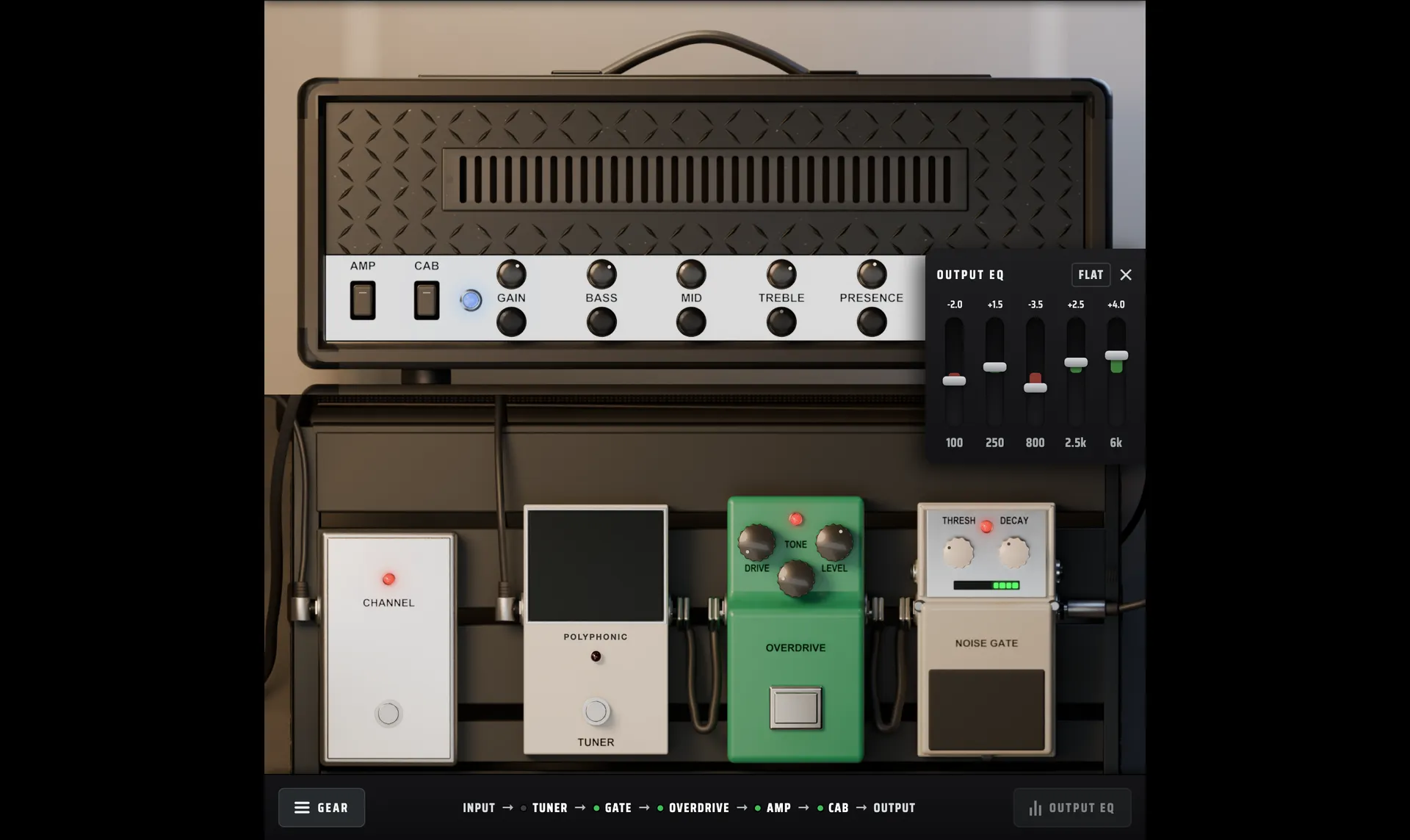
// 04 · The output
Five bands, then a wall.
A five-band output EQ to sit the rig in your mix, then a limiter at −1 dBFS so the output never clips.
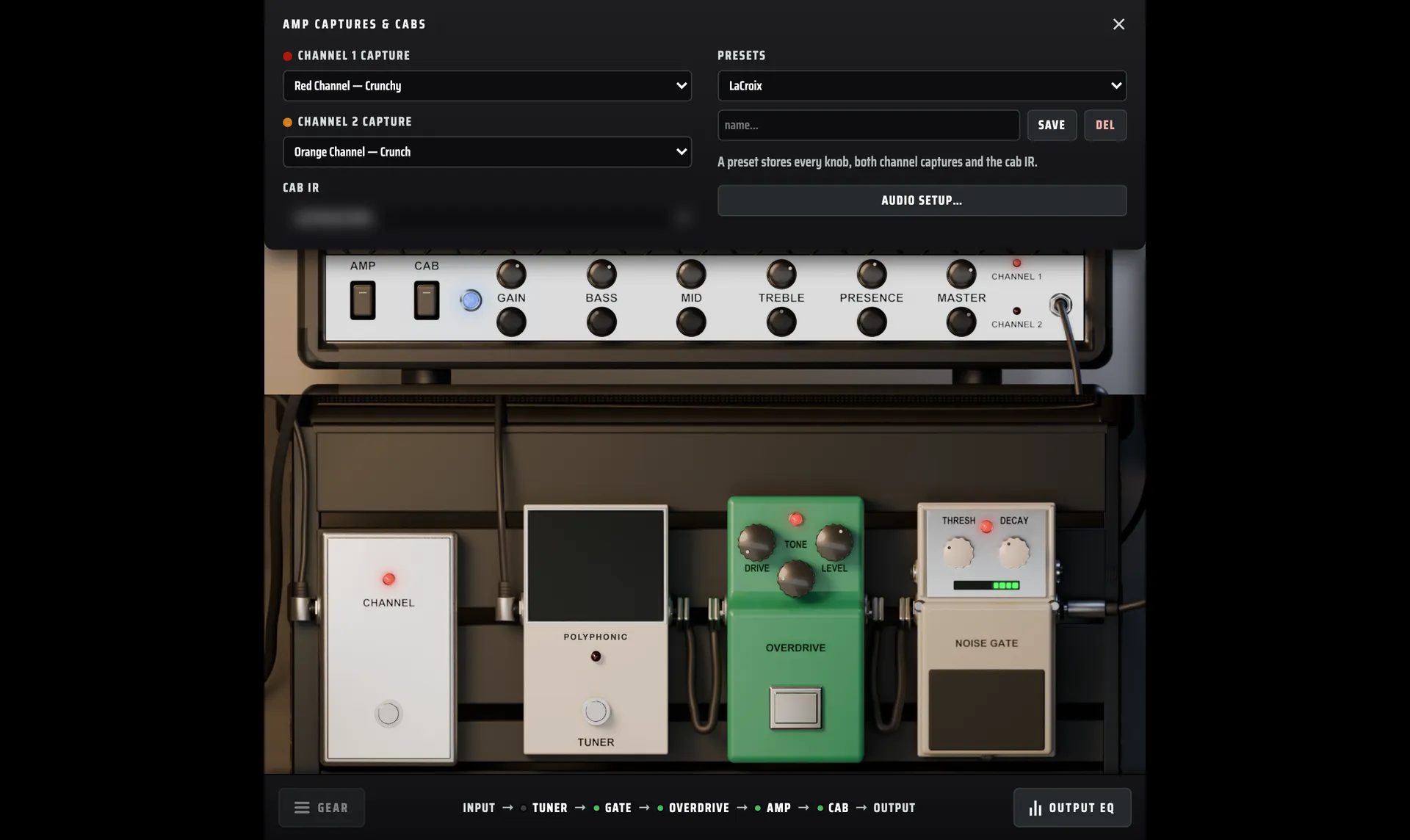
// 05 · Captures, cabs, presets
Every knob, saved.
Choose a capture for each channel and a cab: a 4x12 voice built in, or one of ten impulse responses. A preset stores every knob, both captures and the cab. It opens on mine.
// Honest notes
- One amp, not a library. The captures are of one amp: mine. If you want every amp ever made, this isn't that.
// Get it
Mac and Windows.
- Mac
- Standalone app, Audio Unit, VST3. Apple Silicon and Intel.
- Windows
- Standalone app and VST3. 64-bit.
// You need
- An audio interface to plug your guitar into
- Headphones or monitors
- macOS 12 or later
- Windows 10 or 11, 64-bit. ASIO supported.