// IPAD · PUBLIC BETA
AxeBlock EDIT
Every block. Real time. iPad and iPhone now, Android soon.
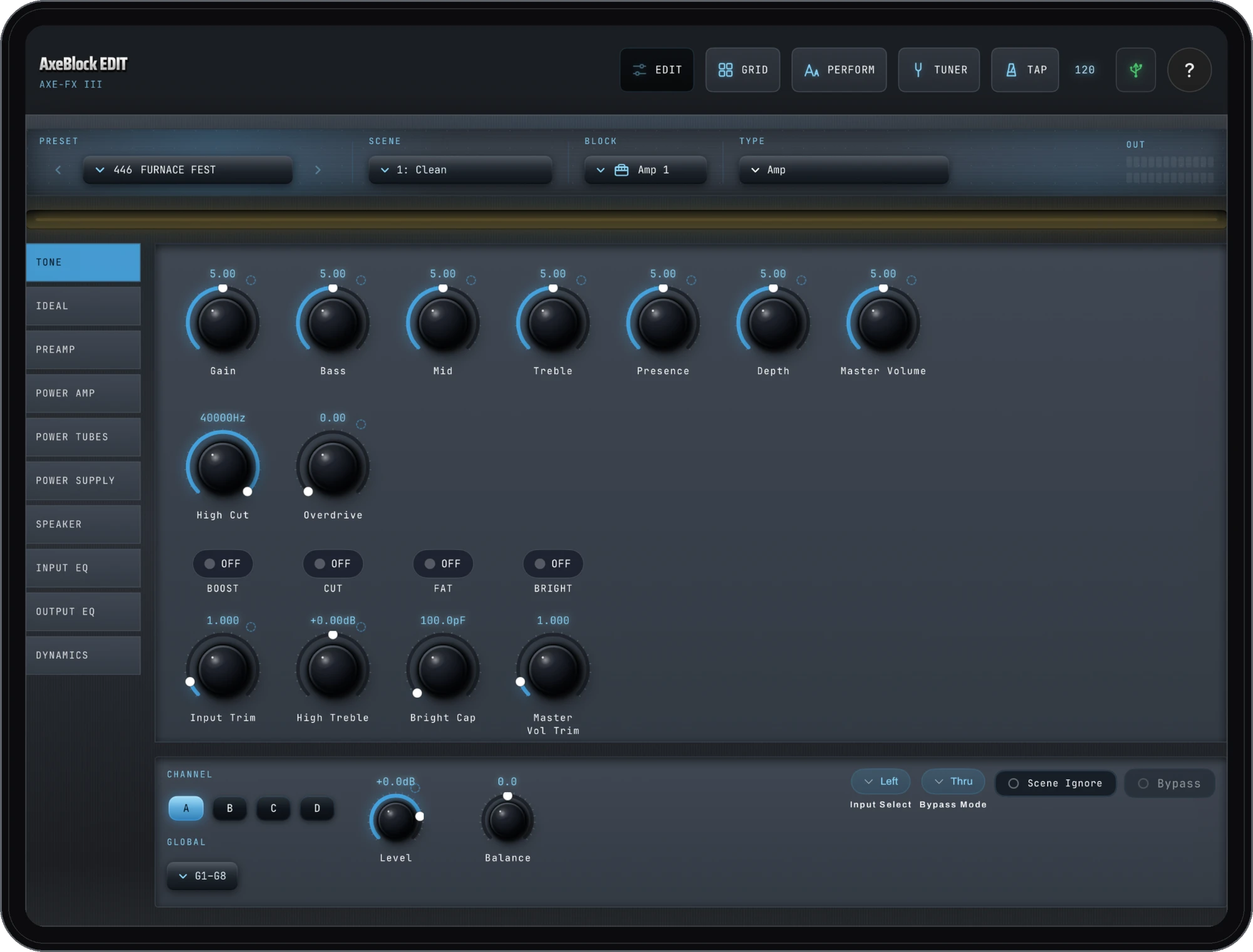
Real-time MIDI editor for the Fractal Axe-Fx III, FM9, FM3, and VP4 — plus the Axe-Fx II family. Control presets, scenes, every block, and the routing grid from your iPad or iPhone — wired over USB-C or wireless over Bluetooth MIDI. Edit live in the buffer, save when you mean it. Built with VoiceOver from day one. On iPad and iPhone now; Android coming soon. Public beta via TestFlight.
// What it does
Every block, calibrated
41 calibrated blocks — amp, cab, drive, delay, reverb and more — edited live, in sync with the hardware.
The routing grid
See and edit the full routing grid — place blocks, draw connections, cut cables — the same way the hardware shows it.
Setlists
Browse your Axe-Fx III's own Sets and Songs live, tap any section to jump to its preset and scene. Read-only by design.
Wired or wireless
USB-C on the Axe-Fx III (class-compliant, no driver). Bluetooth MIDI via a WIDI adapter on the II and III.
Edit live, save on purpose
Edits happen in the unit's edit buffer, just like the front panel. Nothing writes to a stored preset until you hit Save.
Every block. Real time. iPad and iPhone now, Android soon.
// JOIN THE BETA →// More from the studio